How to log in to the CoursePod
The CoursePod mainly consists of two parts: "Enterprise Management Side" and "Teacher and Student Side":
- Administrator account: After the enterprise manager registers the enterprise, his account will be the super-administrator account by default; other faculty and staff accounts are created by the super-administrator in "User Management".
-
Teacher/Student account: created by the corresponding role users on the management side in the "Teacher and Student Management"; after the account is successfully created, the teachers and the students can use their own accounts, log in to the teacher and student side, select their own roles and enter the course system. The distribution of each terminal is as follows, which can also be found on the CoursePod official website:
-
PC Browser (link access, Chrome is recommended):
- Management Side: https://console.course-pod.com/ (the only access)
- Teacher and Student Side: https://class.course-pod.com/
-
PC Client(only for teachers and students)(download link):
- Windows: Click to download
- macOS:Click to download
-
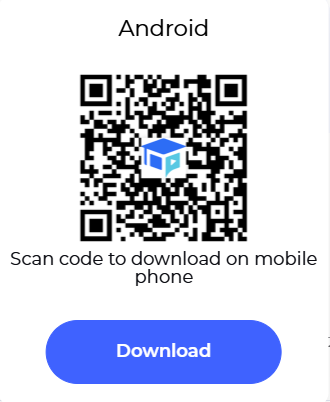
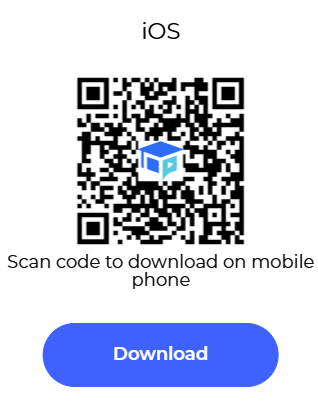
Mobile App (only for teachers and students)(scan the QR code to install):