How to create and manage sub-enterprises
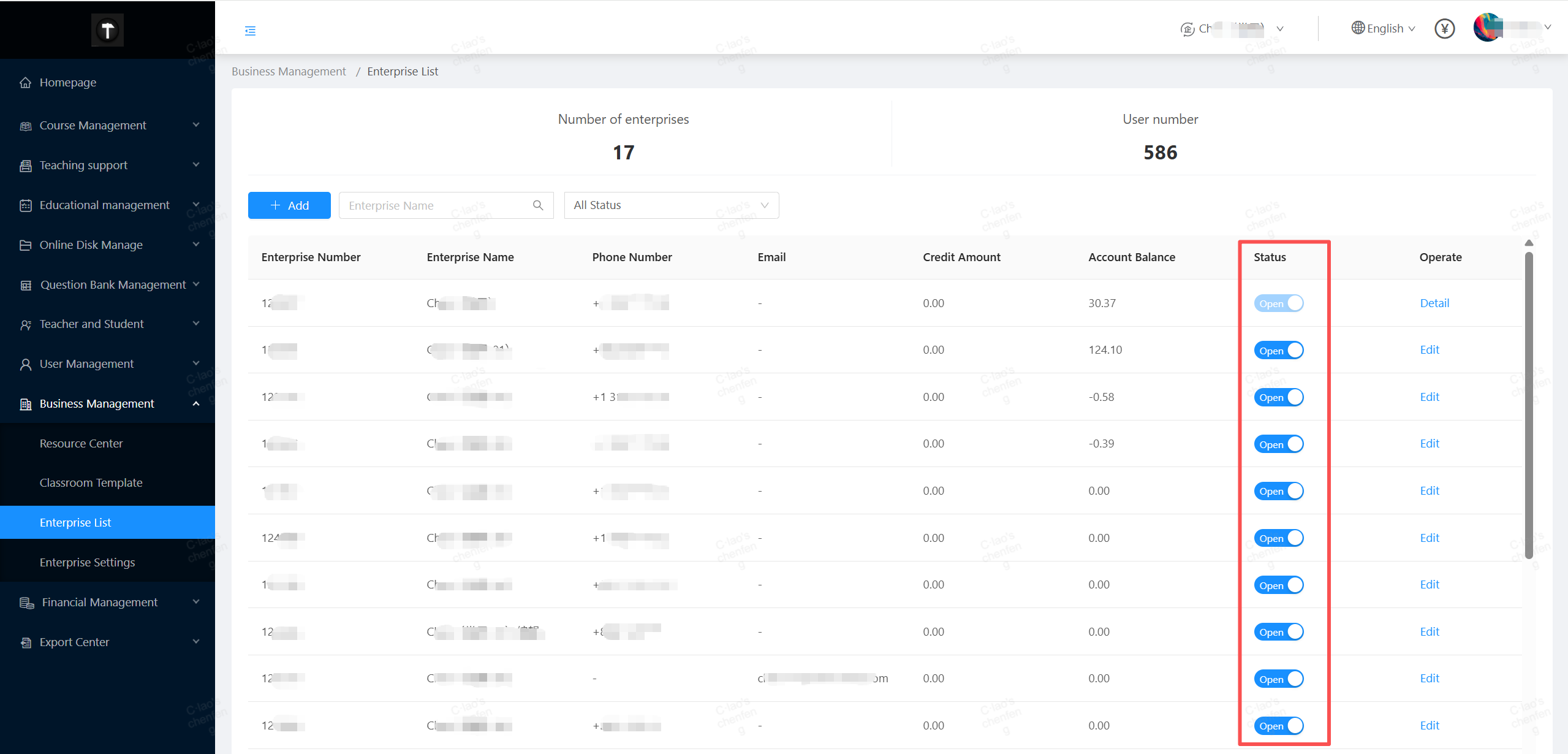
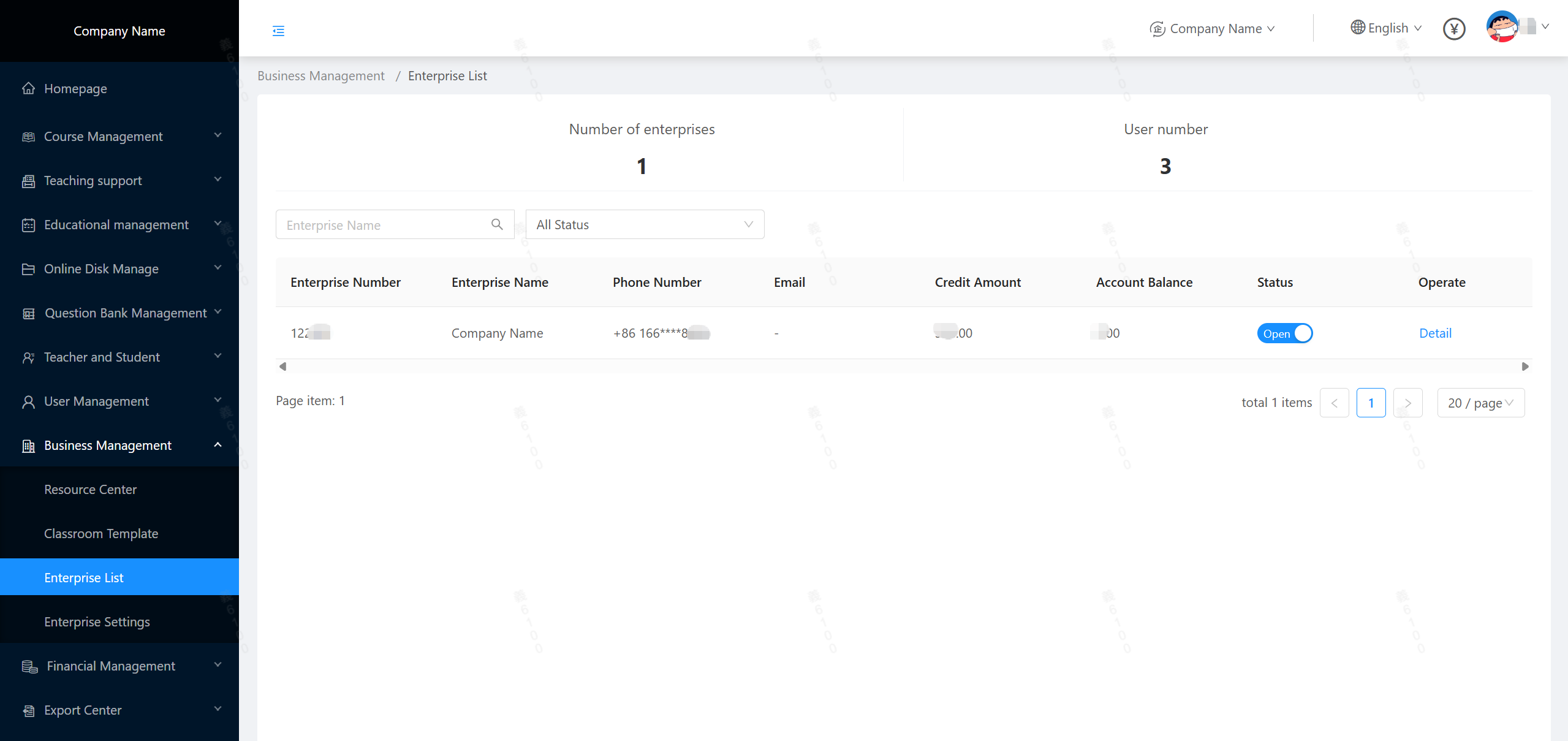
If the scale of your enterprise is large, or if you act as an agent providing services to other companies, you can create sub-enterprises in the Enterprise List under the Business Management.
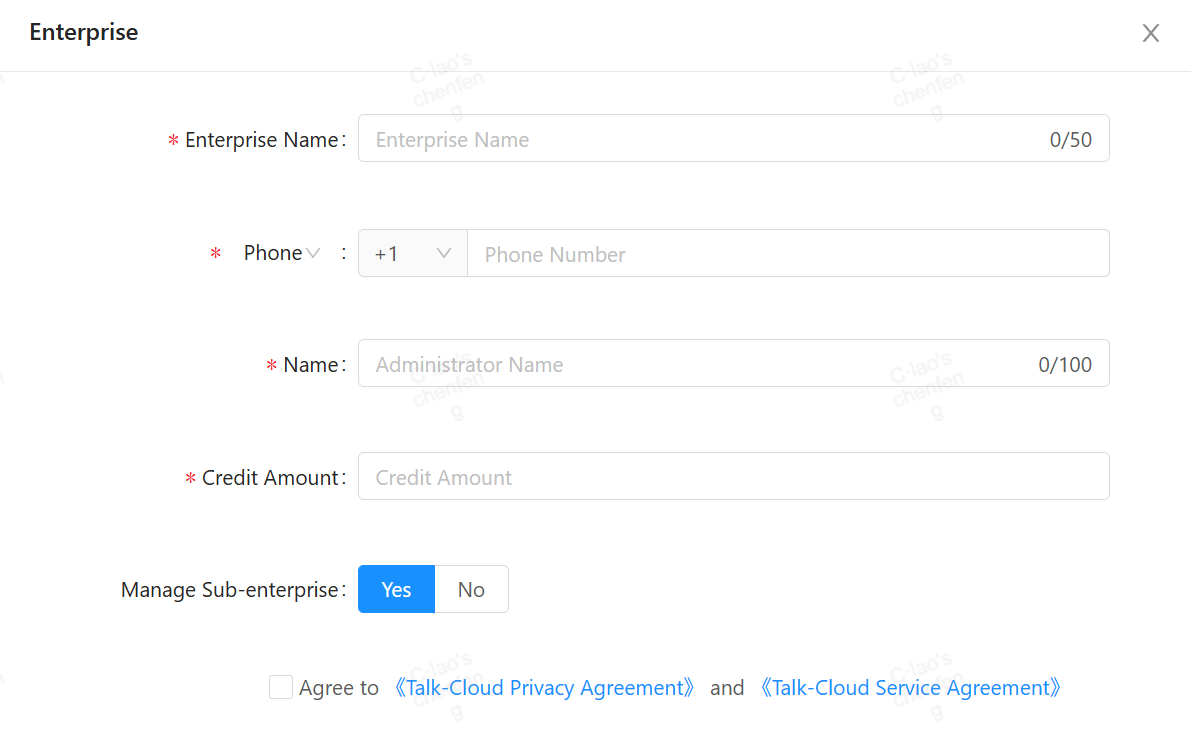
When creating a sub-enterprise, in addition to filling in the regular information, you also need to fill in two important parts: the authorized credit limit and the permission to manage the sub-enterprise.
CoursePod allows the main enterprise to top up the sub-enterprise through pre-authorization. The sub-enterprise can operate normally within the pre-authorized limit. When the consumption is about to reach the limit, the sub-enterprise needs to pay in advance, and then the main enterprise will set the corresponding credit. Once the sub-enterprise reaches the pre-authorization limit, the account will be frozen. This is how CoursePod helps the main enterprise or agent control the sub-enterprises.
If the "Manage Sub-Enterprise" switch is turned on, the main enterprise's super admin will automatically become the administrator of the sub-enterprise, with access to the sub-enterprise's data. If the main enterprise only acts as an agent and does not need to manage the daily business of the sub-enterprise, this switch should be turned off when creating the sub-enterprise.
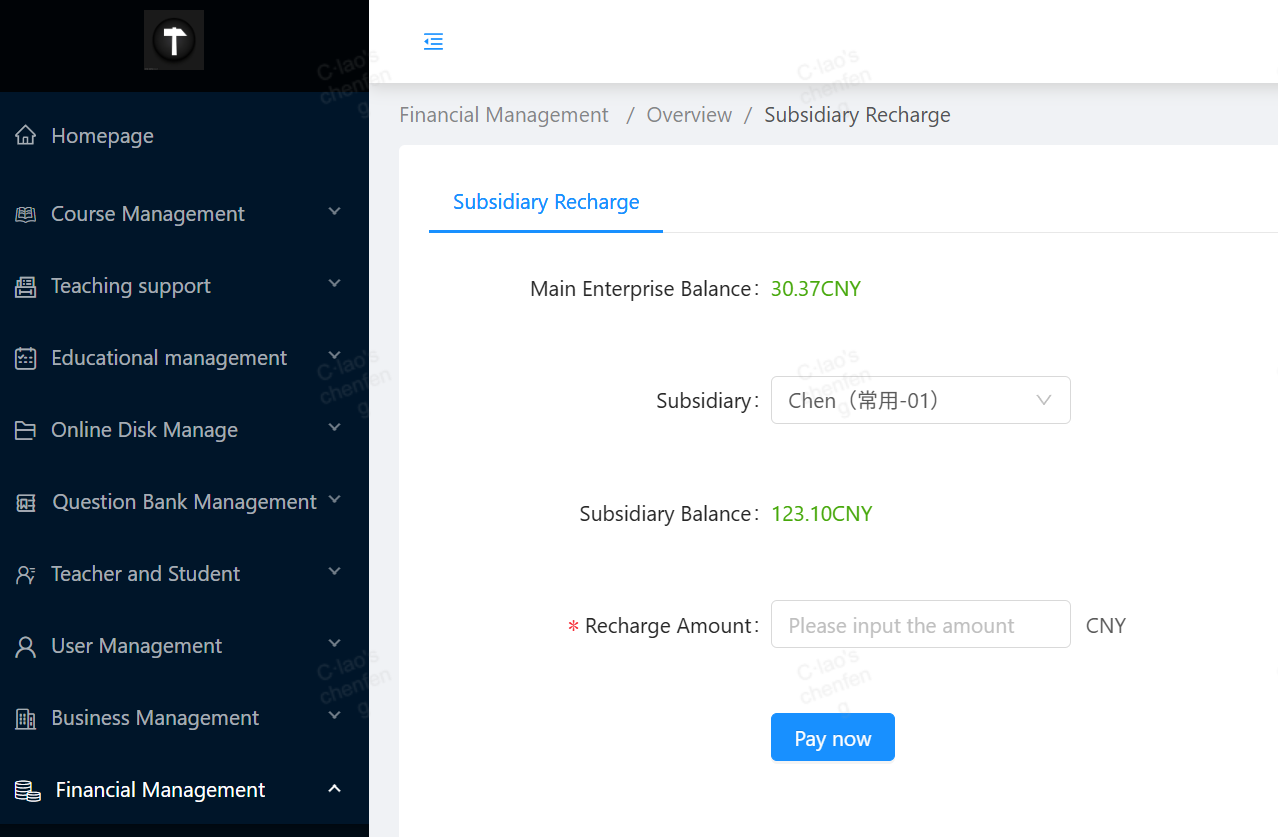
The main enterprise should regularly check the account balance to ensure that there is enough credit to pre-authorize its sub-enterprises. When the main enterprise's account balance is insufficient, attempting to pre-authorize a sub-enterprise will trigger an error. At this time, the main enterprise should top up its account through online payment or bank transfer, and then try again.

Whenever any abnormal operations of the sub-enterprise are detected, the main enterprise's super admin has the right to disable the sub-enterprise account until the violation is corrected.