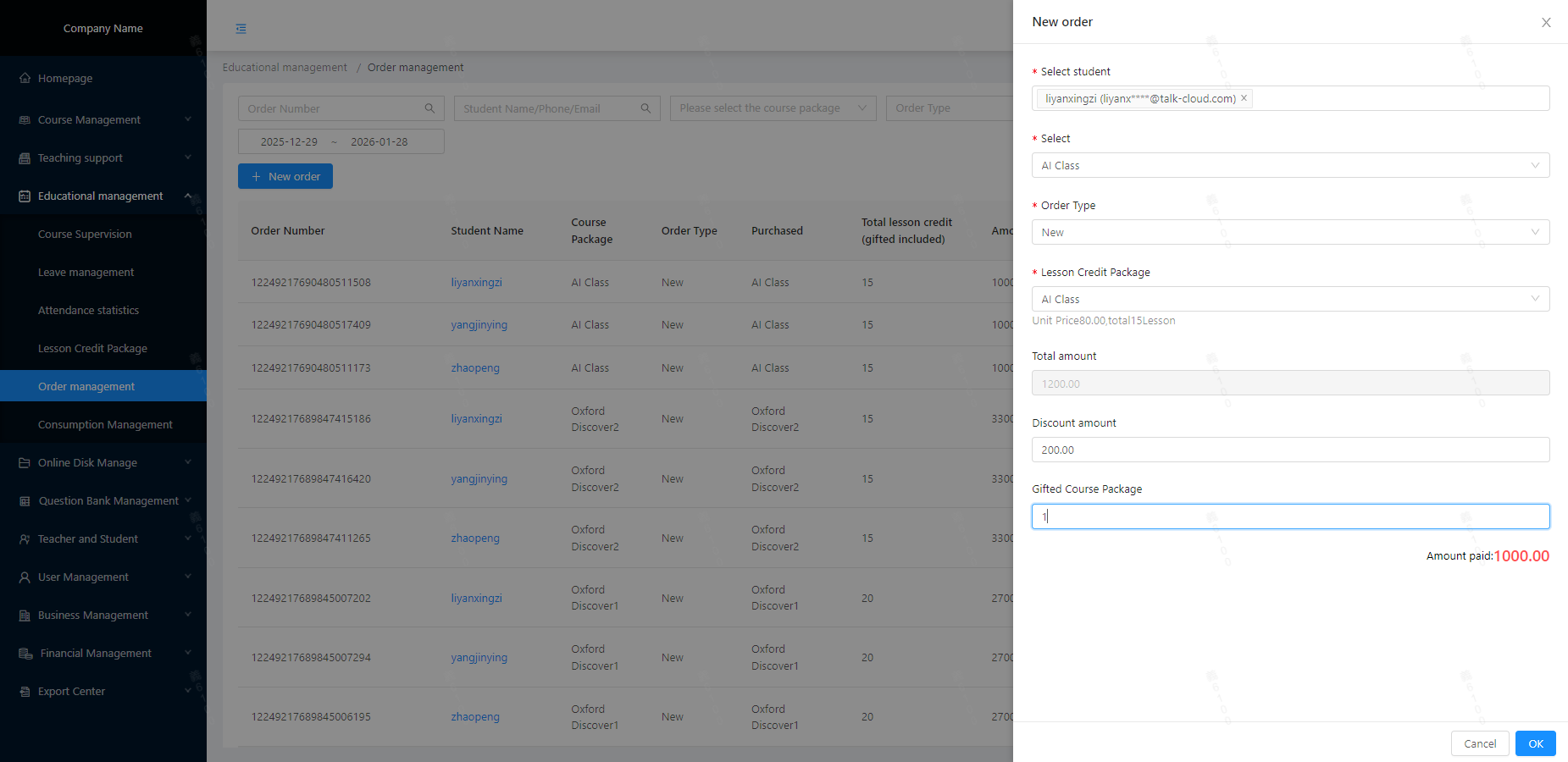
After the data is created, select the corresponding Course Package and Lesson Credit Package based on the courses and lessons purchased by the student/parent;
The discount amount and complimentary lessons shall be determined by the enterprise according to its own operational conditions.
Note:
In the daily operation of an institution, the same course and the same lesson credit package are sold multiple times to different groups of people. Therefore, there is no need to create the above data repeatedly after their initial creation; they can be directly referenced when creating a new order (multiple students are supported for selection).
Once an order is created, the deletion operation is not supported (you may perform a void operation on it) and then create a new order instead.