The enterprise completes the binding of the corresponding student course package
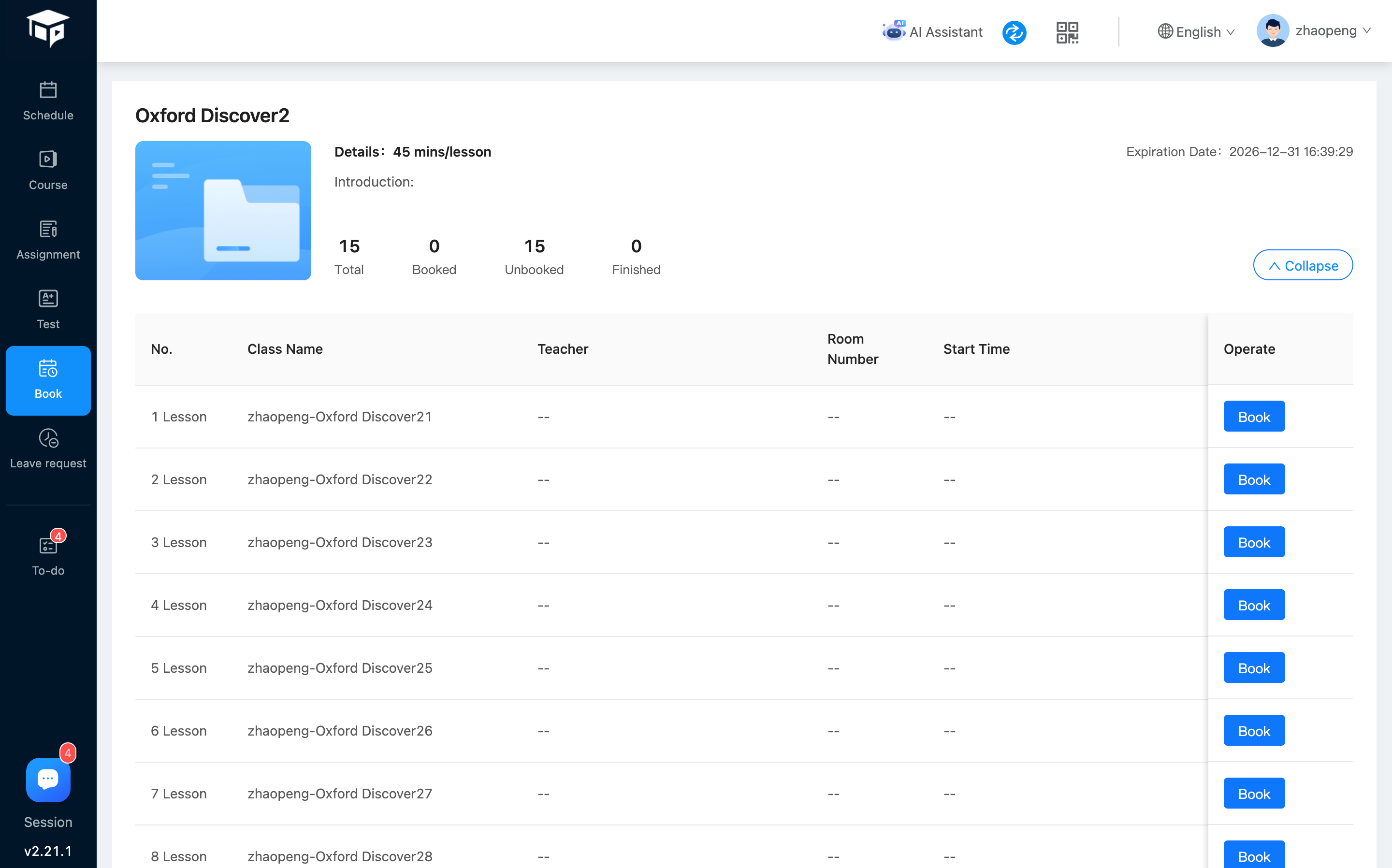
Students can access the [Schedule Course] menu to see the target "Schedule Course";
Click [Expand] on the target course to see the various sections under the course.
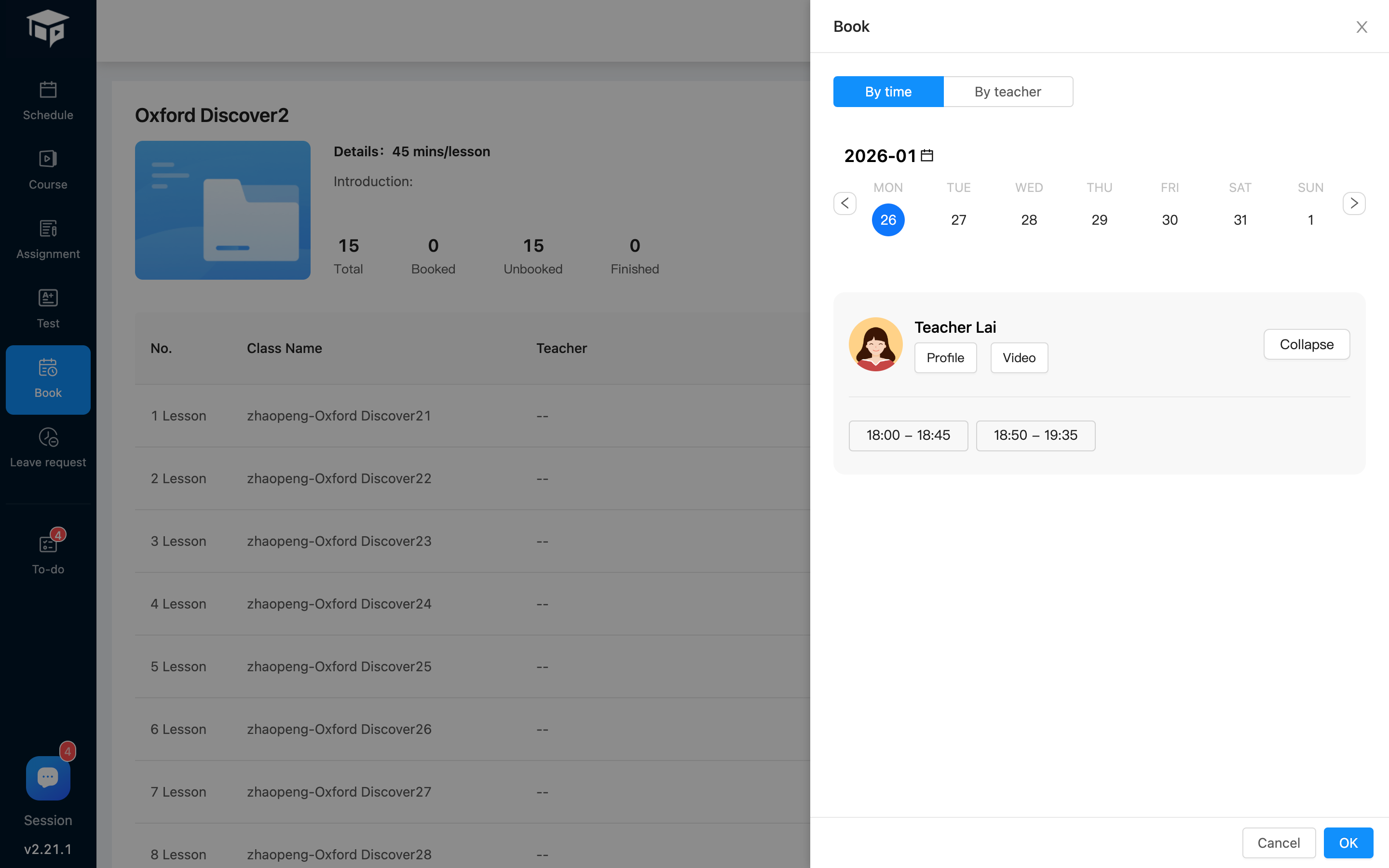
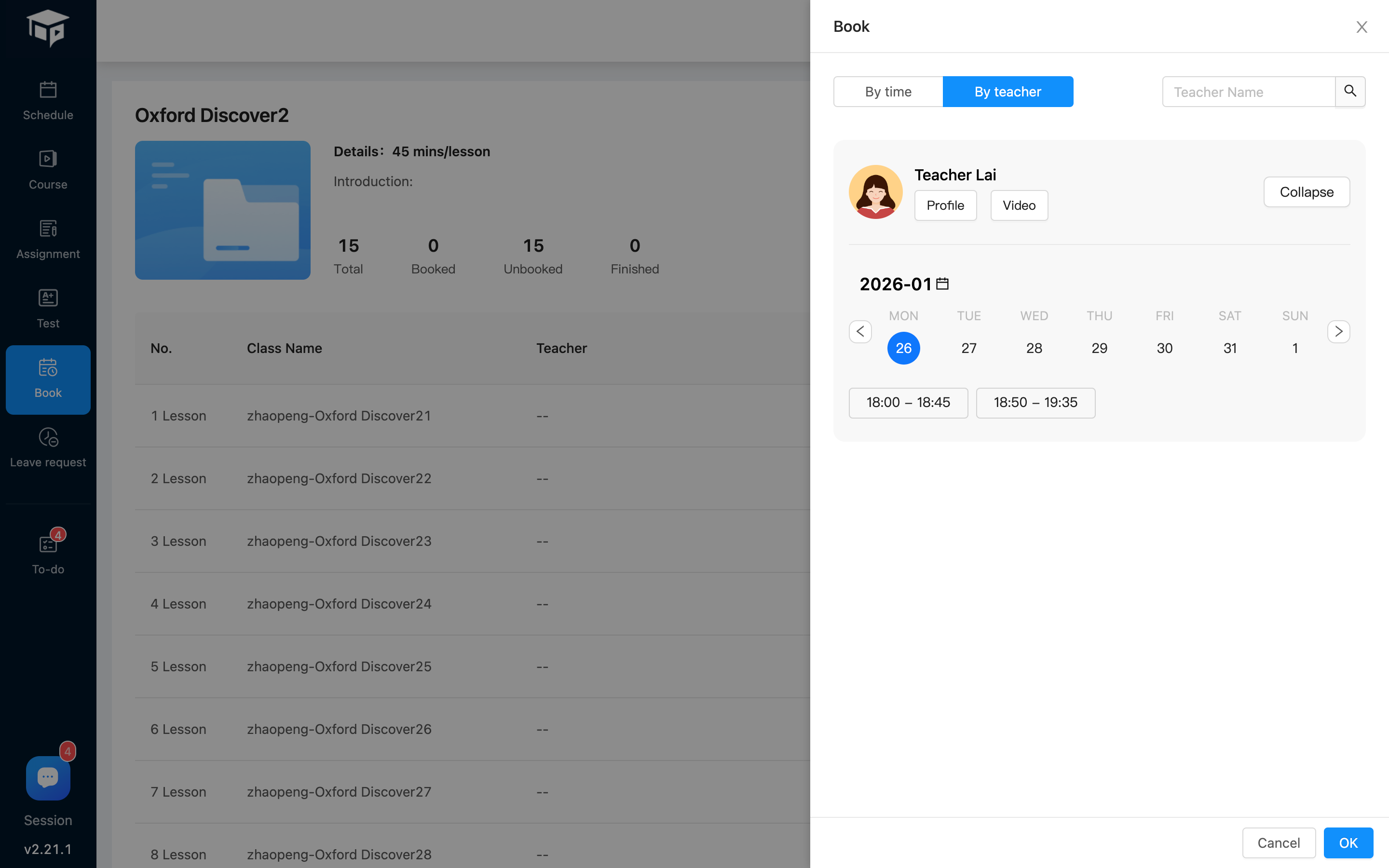
Select the target class and click the [Book] button, as shown below
By time: Select a date, the system will automatically filter out teachers who are free on that day, select the target teacher, and select the time period for the class
By teacher: Students select their preferred teacher, click [Select Time] to expand the teacher's free time panel, and students can select the time period for class.
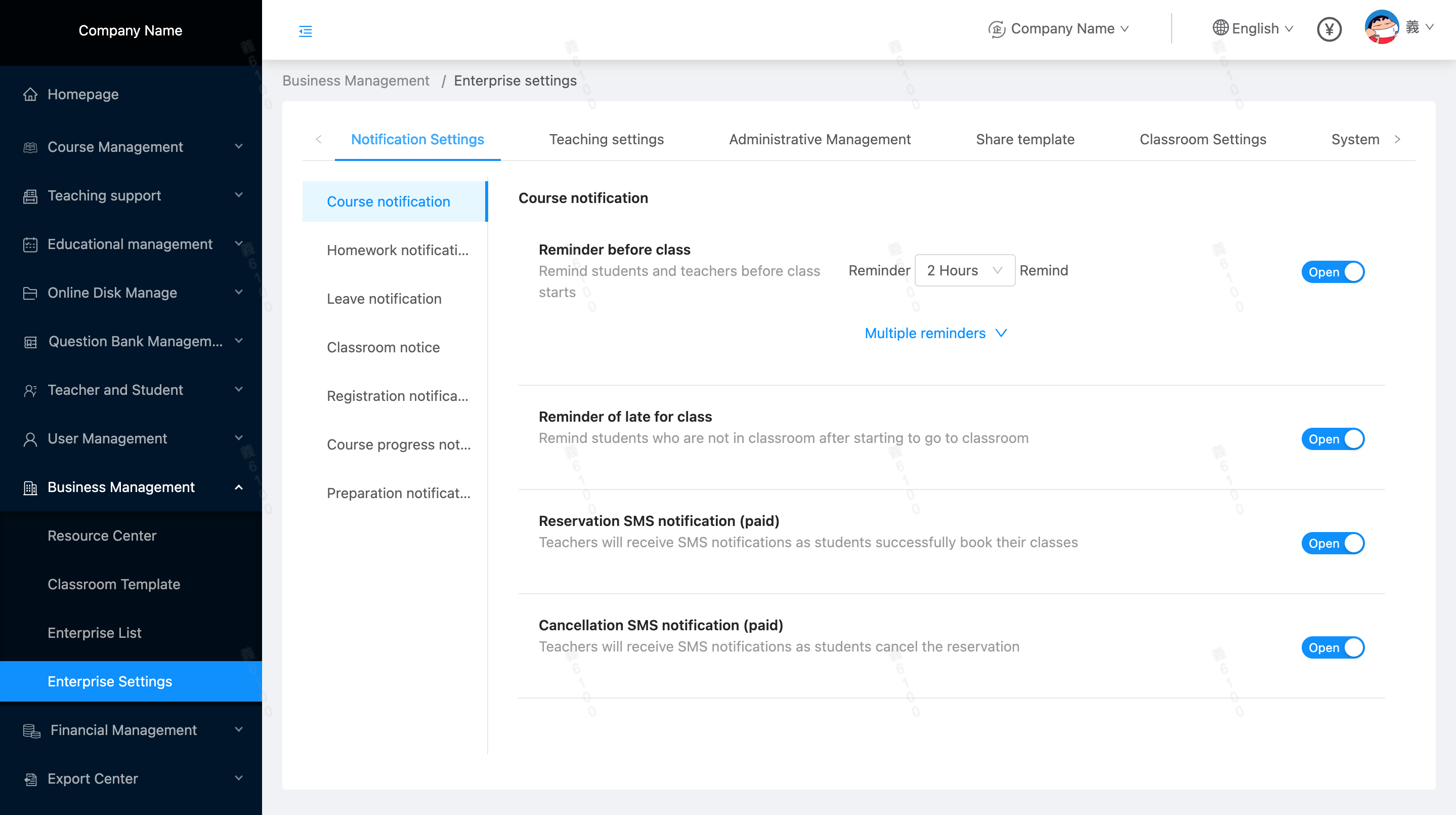
When a student "successfully schedules a class" or "cancels a class", the corresponding teacher will receive a corresponding message notification (App push, mobile phone SMS)