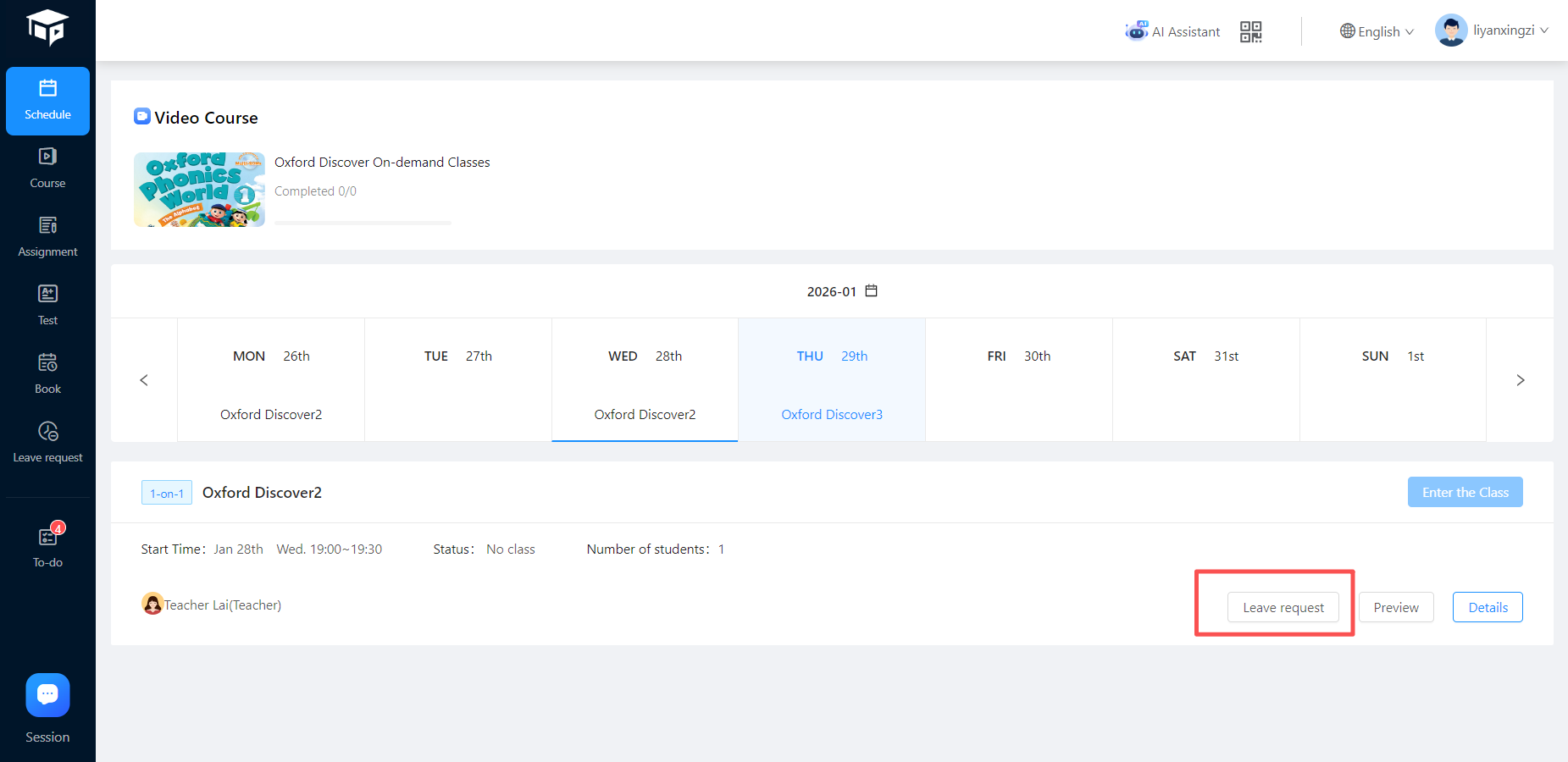
How do students apply for leave?
When students select a leave period, the system will automatically postpone the leave class to the first class after the leave period. At the same time, the leave information will be notified to the teacher via messages (App push, template message, SMS, email).
Leave configuration items
Leave settings:
- The latest leave interval before class: 6 hours by default, supports manual adjustment (range: 1~48)
- The maximum number of leave requests per month: 3 times by default, supports manual adjustment (range: 0~30)
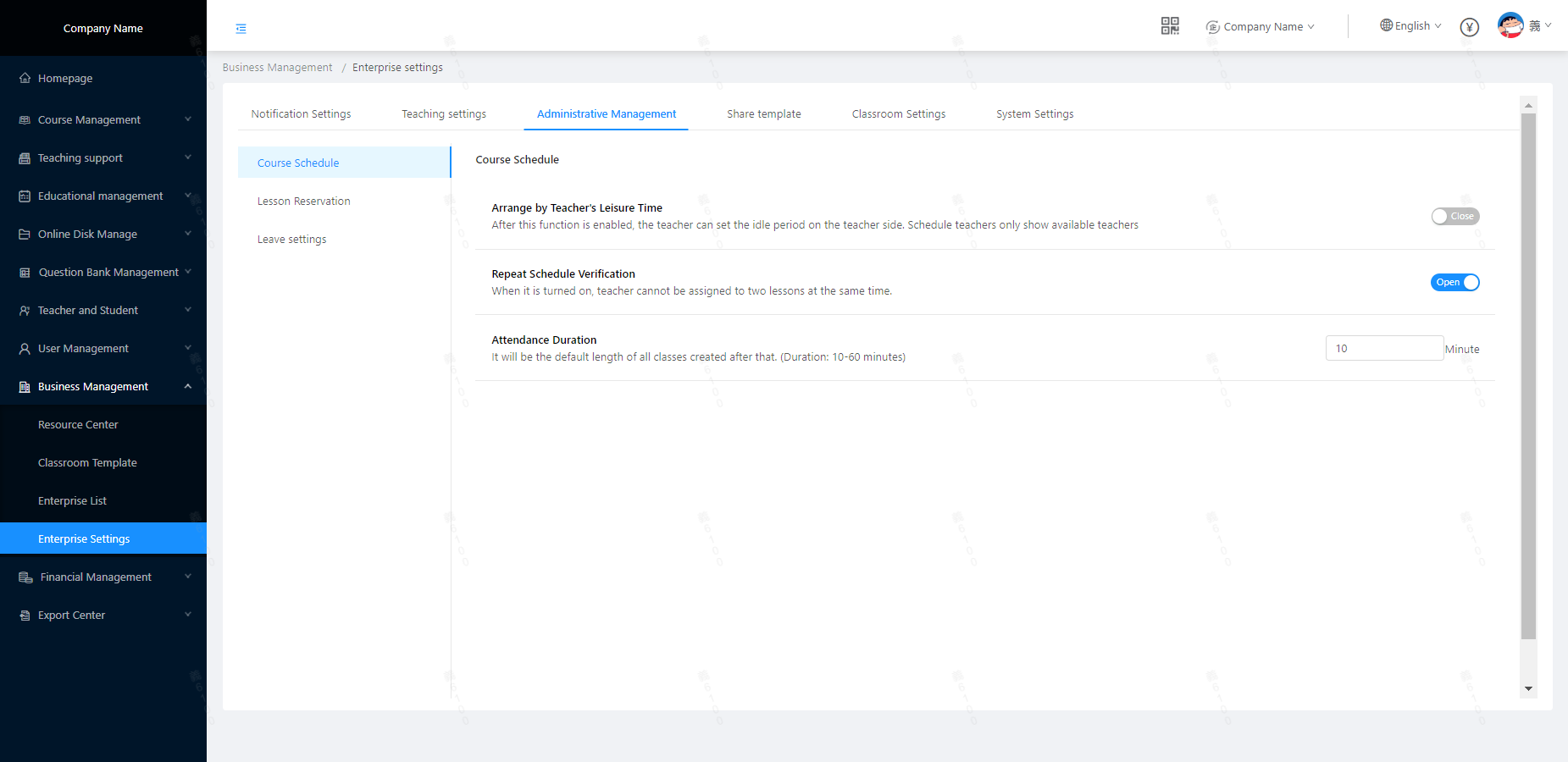 Leave notification:
- SMS notification (paid): Because it is a paid item, it is closed by default; companies can actively turn it on according to their own needs;
- Other notifications (automatic): App message push, WeChat template message (WeChat user only), email.
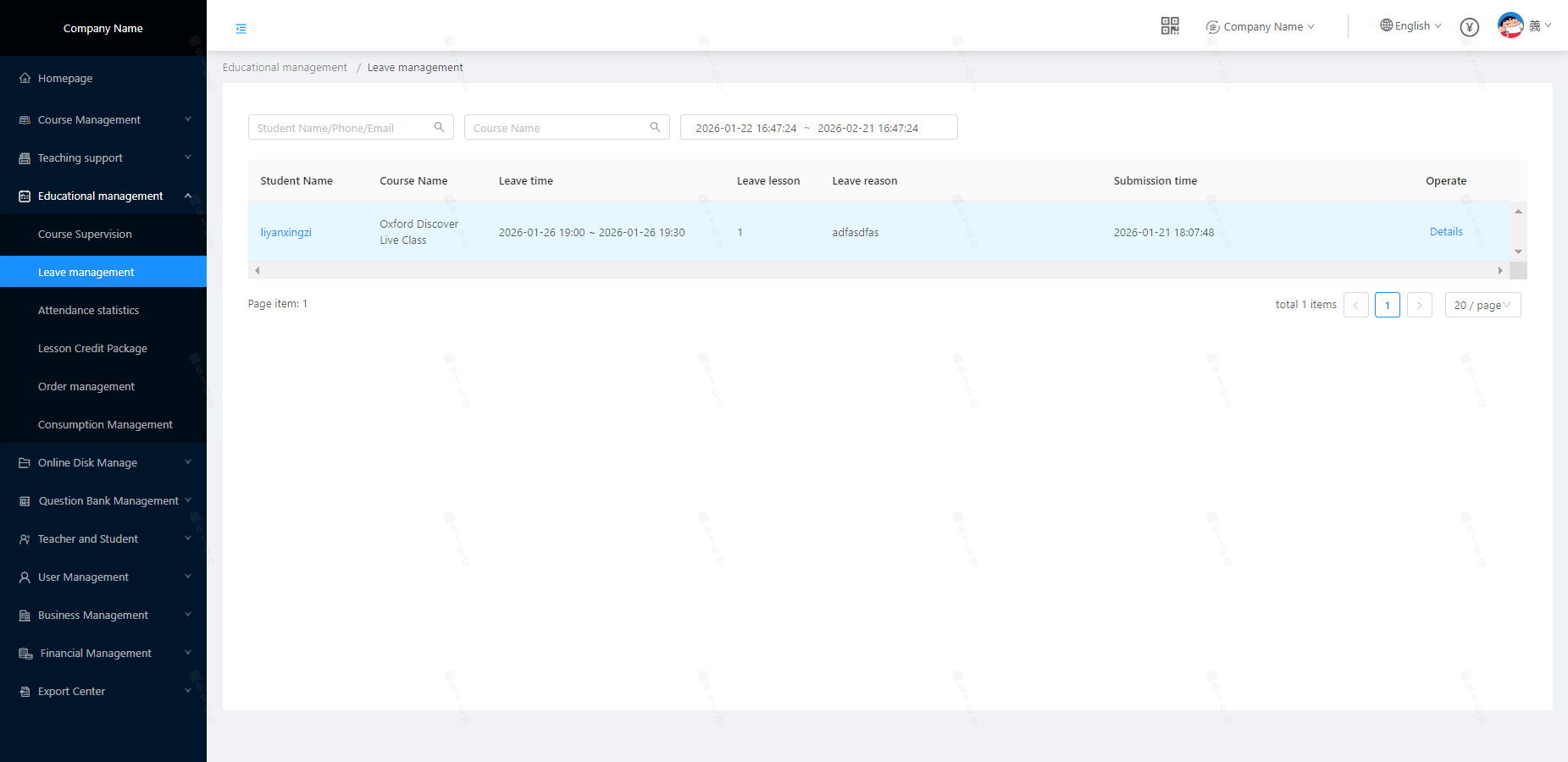
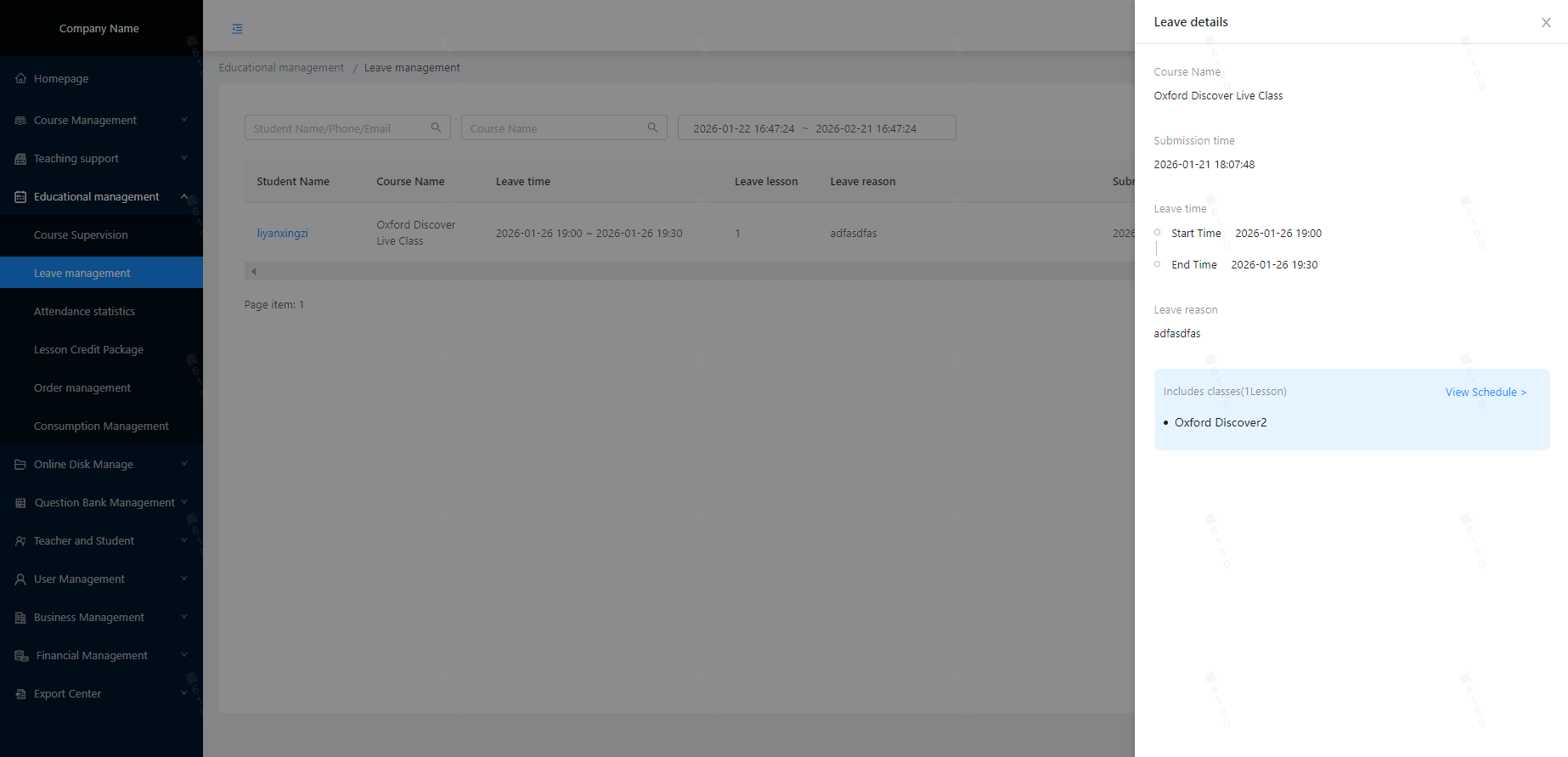
Management-side leave management
Location: Educational Management/Leave Management (Administrator users with corresponding role permissions can view student leave information and leave details in this directory)
Student leave request
Position 1:Leave menu
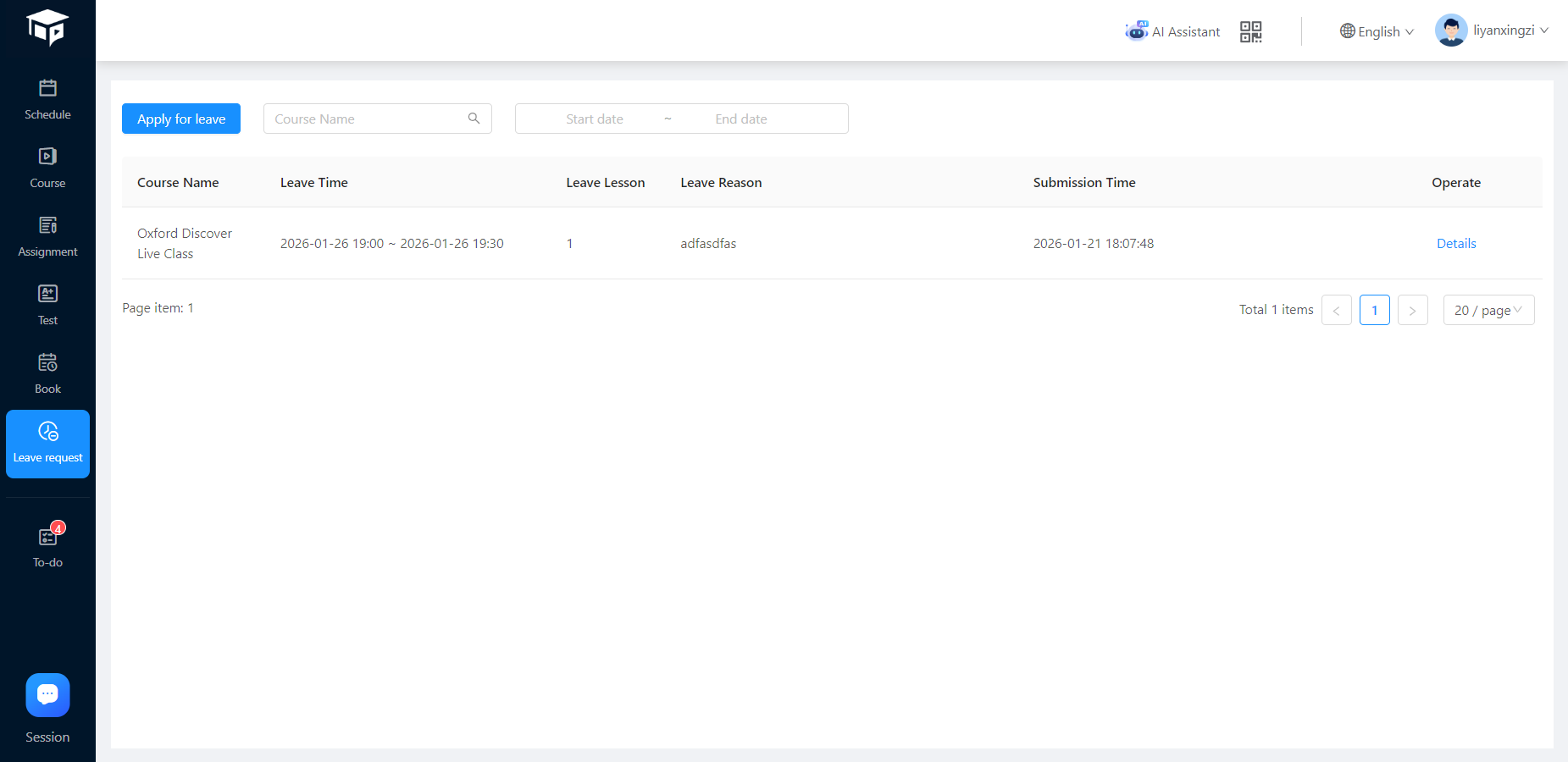
Initiate leave request: Only supports 1-on-1 courses (1-to-many courses are not supported yet, and leave requests for scheduled classes still need to be manually canceled in the book class center)
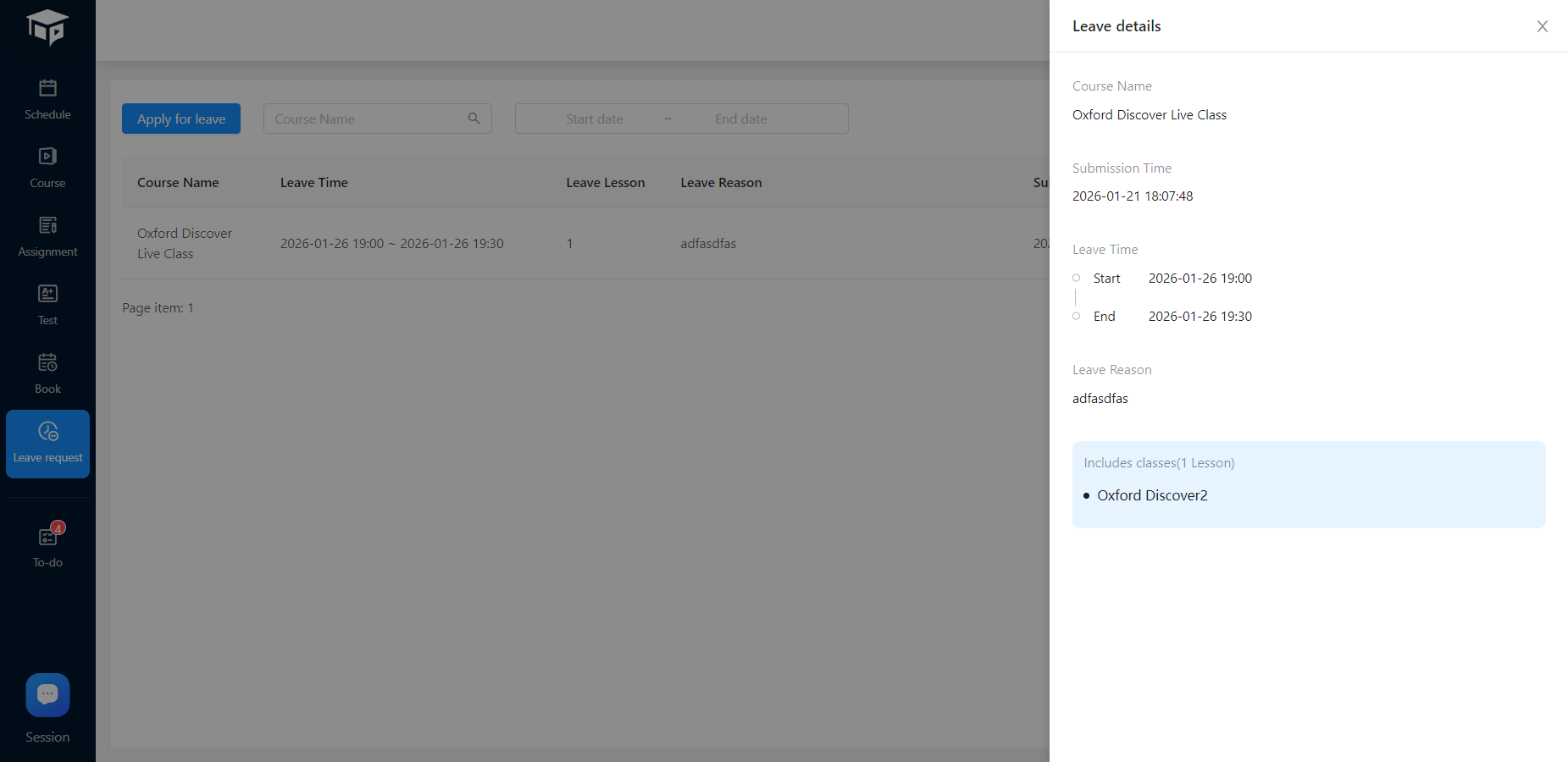
Position 2:Calendar, Target lesson, and Leave request